> For the complete documentation index, see [llms.txt](https://docs.bottalk.io/docs/llms.txt). Markdown versions of documentation pages are available by appending `.md` to page URLs; this page is available as [Markdown](https://docs.bottalk.io/docs/text-to-speech/integrate-web-player.md).
# Integrate Web Player
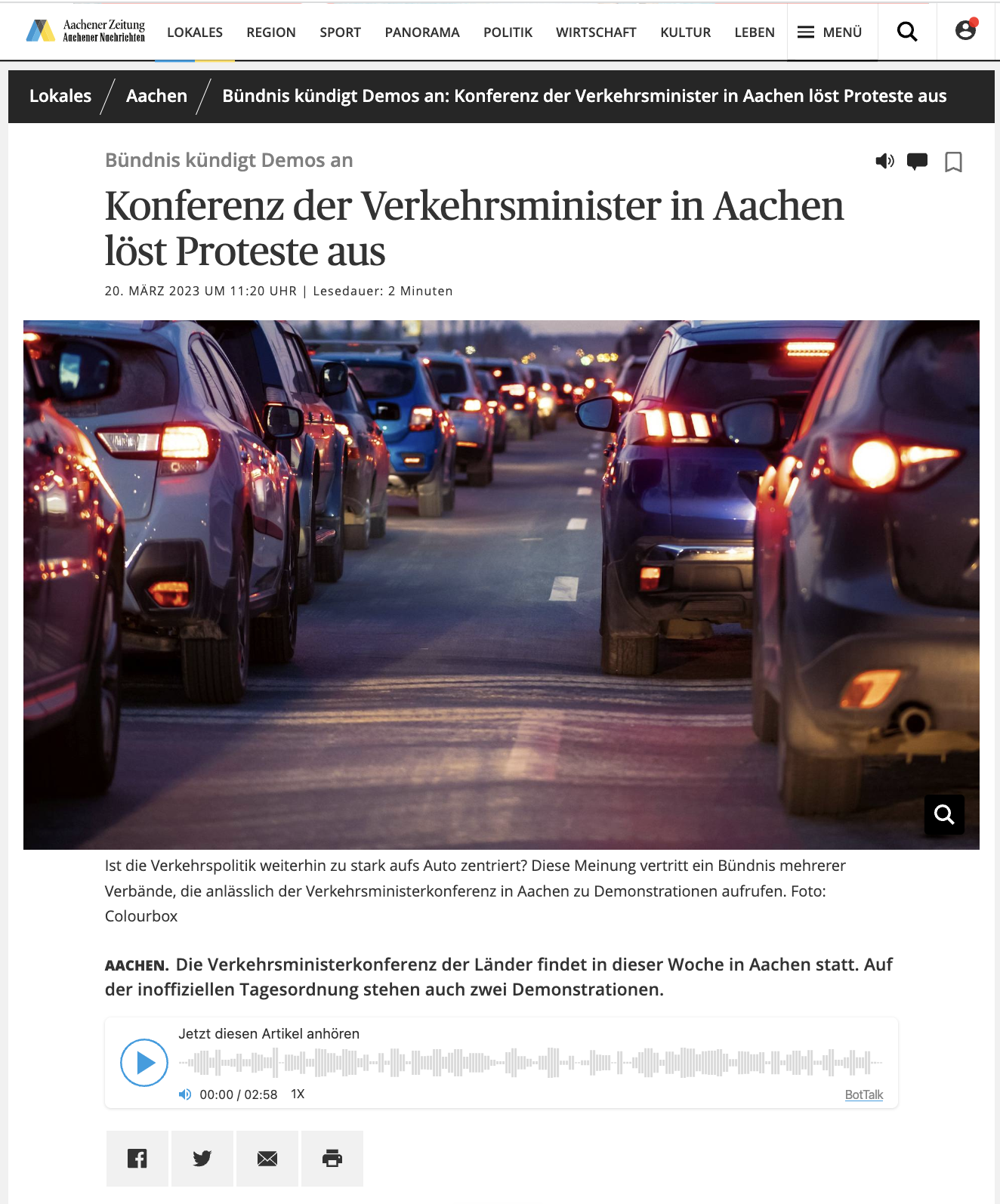
BotTalk's Native Web Player allows your readers to have an audio version embedded into every (any) article.
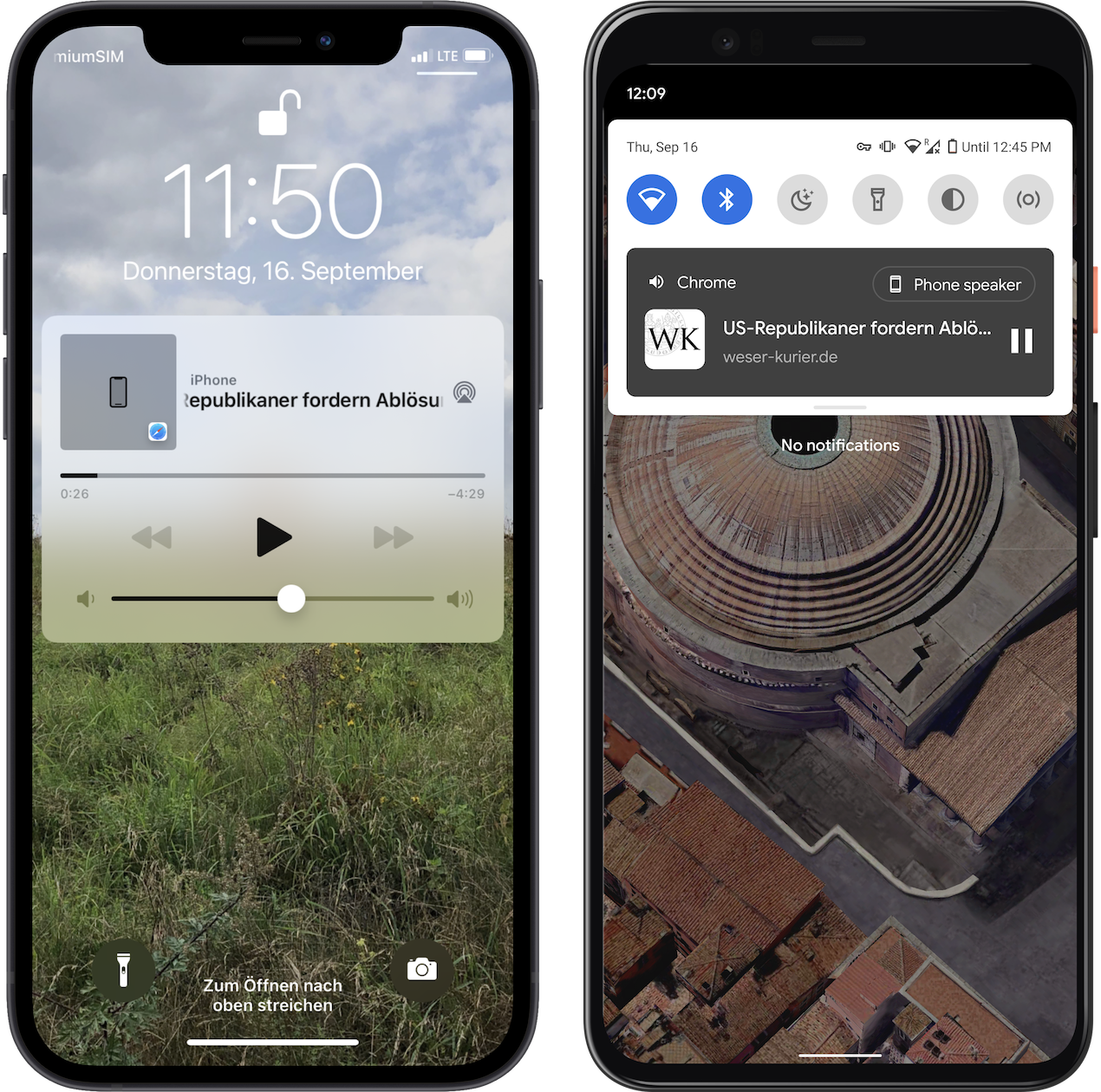
Native means that BotTalk player is supported natively on all mobile devices as well - Android and iOS. The users can listen to the articles in the background or even when their device's screen is turned off.
BotTalk Player will appear on the lock screen of the device - with all usual native controls.
BotTalk Web Player supports both iOS and Android native audio controls
{% hint style="warning" %}
Native Web Player is required if you chose [Parser as a content source](/docs/text-to-speech/configure-your-project/parser-settings.md) for your audio articles during the project set-up process.
{% endhint %}
Integrate your player now in three steps:
{% hint style="info" %}
1. [Create a Web Player](/docs/text-to-speech/integrate-web-player/create-a-web-player.md)
2. [Configure your Web Player](/docs/text-to-speech/integrate-web-player/configure-your-web-player.md)
3. [Integrate Web Player into your website](/docs/text-to-speech/integrate-web-player/integrate-web-player-into-your-website.md)
{% endhint %}